Choose the source
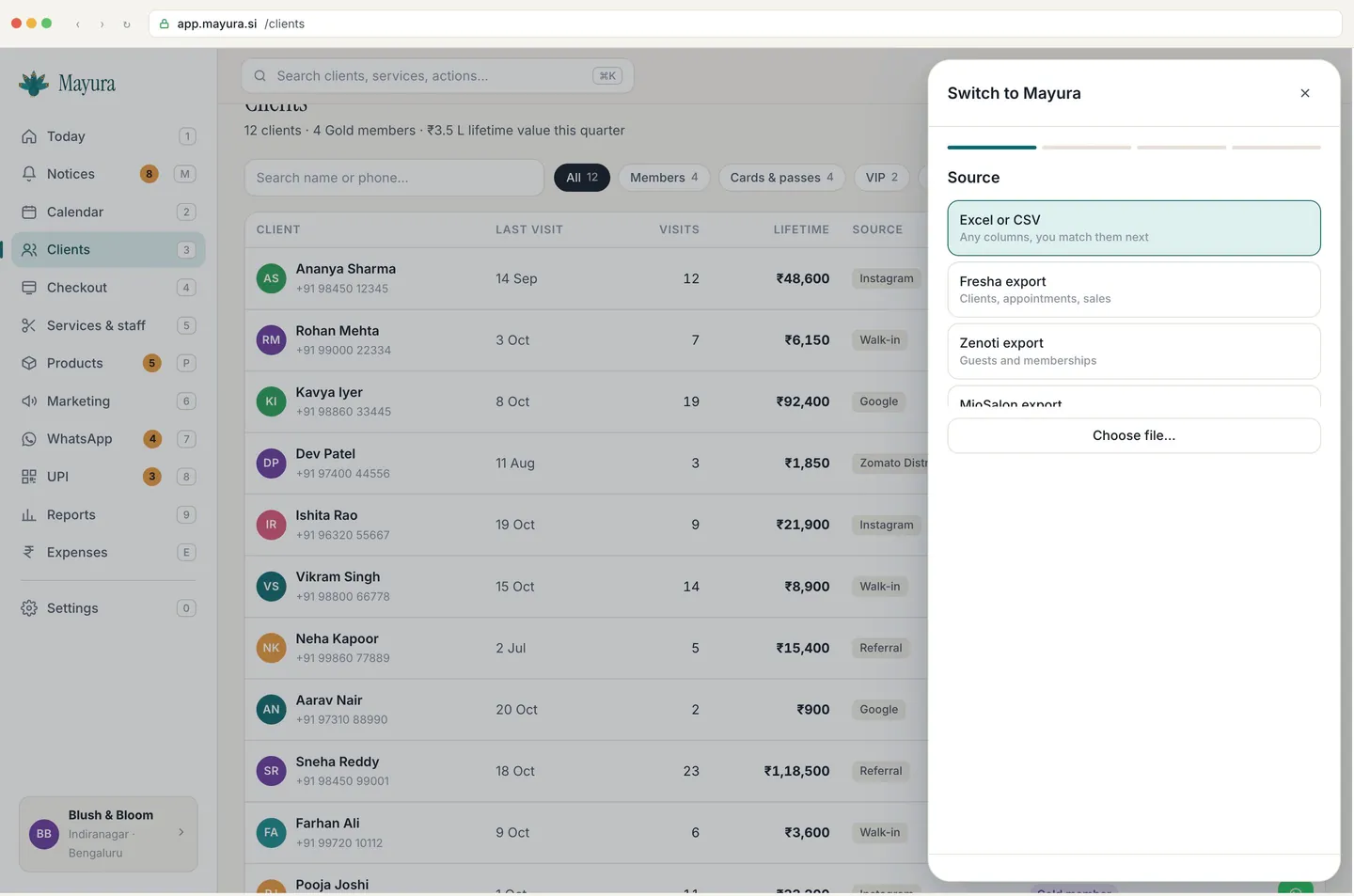
Select Excel or CSV, Fresha export, Zenoti export or MioSalon export.

MAYURA FOR Switching to Mayura
From Fresha, Zenoti, MioSalon or Excel, start by reviewing your export in the import wizard.
72-hour trial, no card, no auto-charge.
THE WAY YOUR SALON WORKS
Select Excel or CSV, Fresha export, Zenoti export or MioSalon export.
Map the columns, review duplicates and check rows that need a phone number.
Memberships and visit history can come along. Opening balances carry as credit, not cash.
The demo uses fictional rows. Review your actual export and its supported fields before importing.

SALON INTELLIGENCE
Bookings that need a reply. Stock that runs out before the supplier arrives. Each notice shows its working.
Meet Mayu’s Notices ↗MADE TO WORK TOGETHER
ONE PRICE PER OUTLET
No per-staff charge. No card for the trial.